Cellular Thermostat vs. Wi-Fi: Why Your IT Department Cares What's on the Wall

Ask your IT team to add six Wi-Fi thermostats to the network and watch what happens. A ticket gets opened. Questions come back about VLANs, firmware schedules, and who owns the passwords. Weeks pass. Nobody is being difficult. They're doing their job. A cellular thermostat skips that entire conversation because it never joins your network in the first place. This is a look at why IT treats building controls as a real workload, and how the connection method decides whether your upgrade is a quick win or a standing agenda item.
The Ticket Nobody Wants to File
Smart building controls earn their keep. Energy savings, remote visibility, early warnings before equipment fails. The business case is rarely the problem.
The friction sits between the decision and the switch-on. Every Wi-Fi device that touches your network becomes something IT has to onboard, document, and support for its whole life. At one location that's an errand. At fifteen, it's a project with a project manager.
Understanding what IT sees when you hand them a box of thermostats makes the whole conversation easier. So let's look through their eyes for a minute.
What IT Actually Worries About
IT teams think in terms of total lifetime workload, not install day. A thermostat that takes twenty minutes to mount can still generate years of quiet maintenance.
One More Device to Manage
Every networked device joins the IoT device management pile: inventory lists, credential records, firmware updates. Updates only happen if someone notices, cares, and acts, at every location, every time. A device installed three years ago and never touched is exactly the kind of loose end IT gets measured on.
One More Door to Watch
Security belongs on the list too, without the horror stories. Any device on the network is part of the perimeter IT is responsible for, and building automation security reviews now show up in cyber insurance questionnaires and vendor audits. None of this is a reason to avoid smart controls. It's simply work: segmentation, monitoring, documentation. Work that someone has to own.
Before You File the Ticket
Ask your IT lead one question: "What does onboarding a new connected device actually involve here?" The answer (VLAN setup, credential policy, patch ownership, questionnaire updates) is the true cost of any Wi-Fi device you're pricing. Get it in writing before you compare vendors.
Wi-Fi Was Built for Laptops, Not Building Controls
Set security aside entirely and Wi-Fi still has a day-to-day problem: it assumes a stable network and a human nearby.
Commercial reality is messier. Password rotations are routine policy, and every rotation silently knocks off any device nobody remembered. Routers get swapped by the internet provider. Coverage dies in the back corner where the rooftop unit wiring happens to land.
If you've ever come in on a Monday to find every thermostat offline because someone rotated the Wi-Fi password on Friday afternoon, you already know how this story goes. The devices did nothing wrong. The network just moved out from under them.
A smart thermostat without wifi dependence doesn't have this failure mode. There's no shared network to move.
How a Cellular Thermostat Changes the Conversation
A cellular thermostat carries its own connection, the way your phone does. It powers up, finds the strongest available cellular network, and starts reporting. Your business network never enters the picture.
Walk through IT's worry list again with that in mind. No credentials to issue or rotate. No firmware for your team to chase, because updates arrive over the cellular link automatically. Nothing to segment, monitor, or add to the insurance questionnaire. The workload doesn't get smaller. It disappears.
Cognition Controls has built a reputation in commercial building controls for exactly this kind of IT-free deployment, which is why multi-site operators and security-conscious buyers like government facilities turn to them when local networks are off the table. Their commercial smart thermostats auto-connect on power-up, so an HVAC contractor can install one and walk away connected, no ticket required.
Every Wi-Fi device carries a lifetime of small labor: password rotations, firmware checks, audit entries, the occasional "why is this offline" call. No one budgets for it, but everyone pays it. Worth pondering that a thermostat's real price includes every hour anyone will ever spend keeping it connected.
The Math at One Location vs. Fifty
Here's where the connection choice compounds. A Wi-Fi deployment across fifty sites depends on fifty networks, fifty routers, and fifty managers remembering the same rules. The security model and the uptime both hang on your least attentive location.
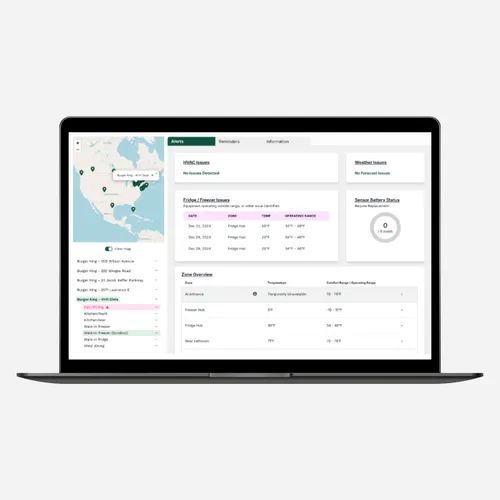
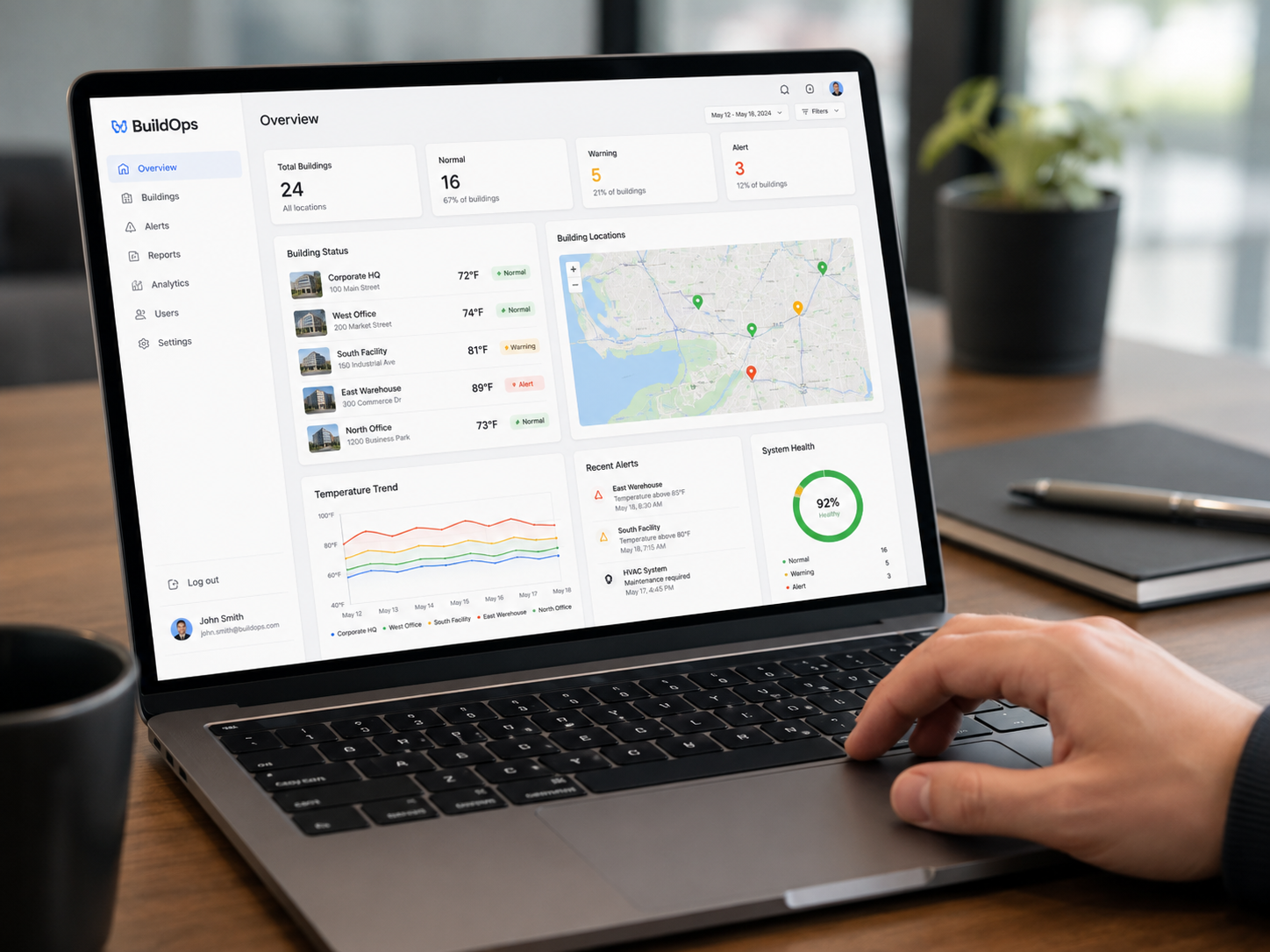
Cellular deployment is identical everywhere. Site twelve works exactly like site one, whether it has an IT closet or a shoebox. That consistency is why multi-site operators treat connectivity as a scaling decision, not a spec-sheet detail. One dashboard, every location, zero network dependencies.
Helping IT Say Yes
Whatever hardware you choose, you can make the approval fast by showing up with answers instead of a box. IT will want to know four things: how the device connects and whether it touches the network, what data leaves the building and how it's encrypted, who delivers updates and on what schedule, and what the model looks like at full scale.
With a Wi-Fi device, those answers turn into a project plan. With a cellular device, the first answer ("it never touches your network") makes the other three short. That's the difference between a review cycle and a nod.
Set the Temperature, Not a Meeting
Smart building controls shouldn't cost you a seat on IT's roadmap. Choose hardware that carries its own connection and the tickets, passwords, and patch schedules never materialize. Your facilities team gets the visibility, and your IT team gets their week back. Book a demo with the Cognition team to see cellular-connected controls working before the coffee's cold.
FAQs
What's the best cellular thermostat setup for a multi-site business?
The best setup is one that deploys identically at every location: devices that auto-connect to the strongest available cellular network on power-up, update themselves over the air, and report into a single dashboard. Cognition Controls' devices follow this model, so local staff or an HVAC contractor can install them with no network onboarding at any site.
Will a cellular thermostat work in a building with a weak cell signal?
Usually, yes. Devices like Cognition's connect to the strongest available network rather than a single carrier, which covers most commercial locations. For steel-heavy buildings or basement mechanical rooms, a one-unit pilot answers the question in an afternoon, before you commit to a full rollout.